
Plan and get ready
Schedule the meeting, invite guests and make sure everyone is set up before they join.
- Schedule a date and time
- Share the invitation
- Times shown in each guest’s time zone
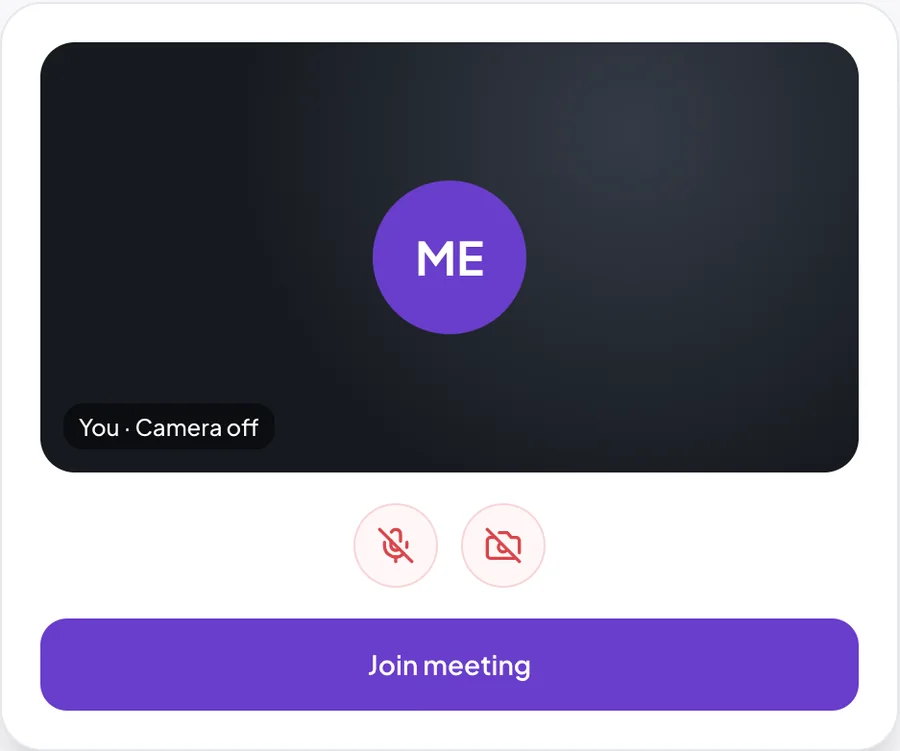
- Check camera and microphone first
A smart virtual meeting platform that helps teams, businesses and organisations connect, communicate and collaborate through video meetings, audio calls and screen sharing, all in one place.
 Tom is sharing their screen
 Amara · speaking
 Tom
diGi MEET looks after the whole meeting, from the invitation to the follow-up, so nothing gets lost between conversations.
Schedule the meeting, invite guests and make sure everyone is set up before they join.
See and hear each other clearly, and put the work on screen so everyone is looking at the same thing.
Turn what you agreed into action with the rest of Radiant diGiLog, so the next steps are clear to everyone.
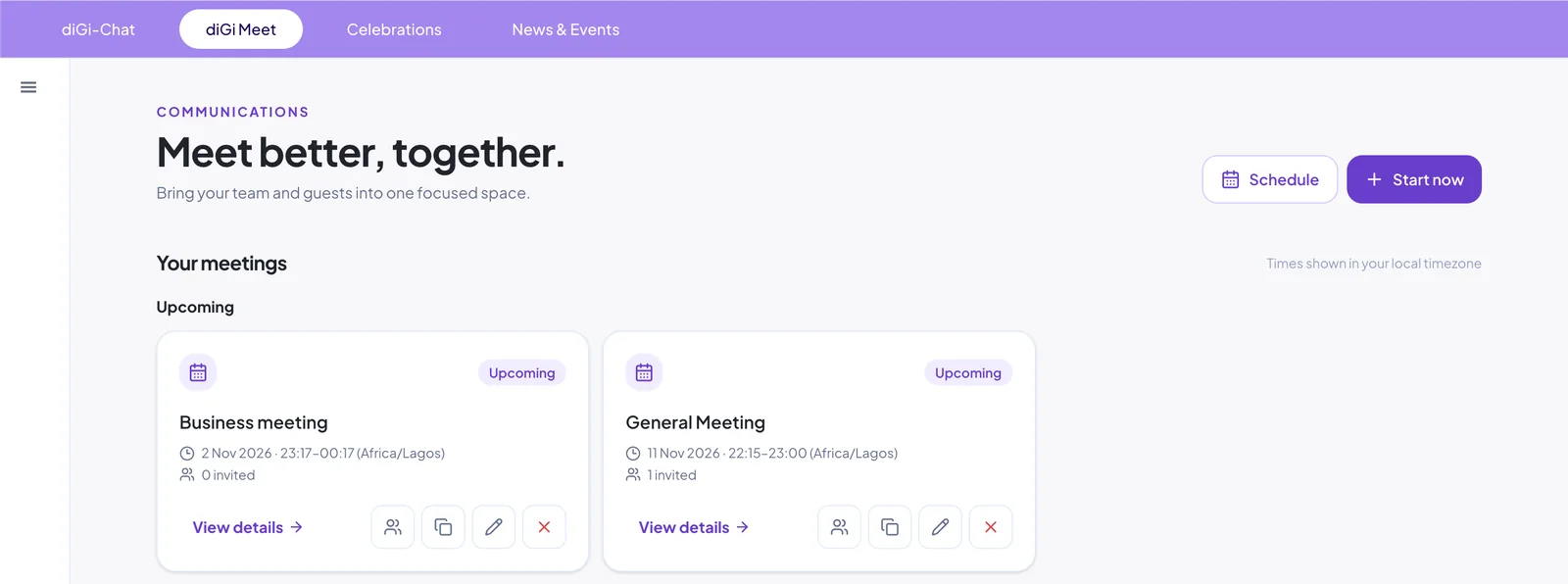
diGi MEET sits in Communications, alongside diGi CHAT, Celebrations and News & Events. Schedule a meeting for later or start one instantly, and see everything that is coming up in one place.
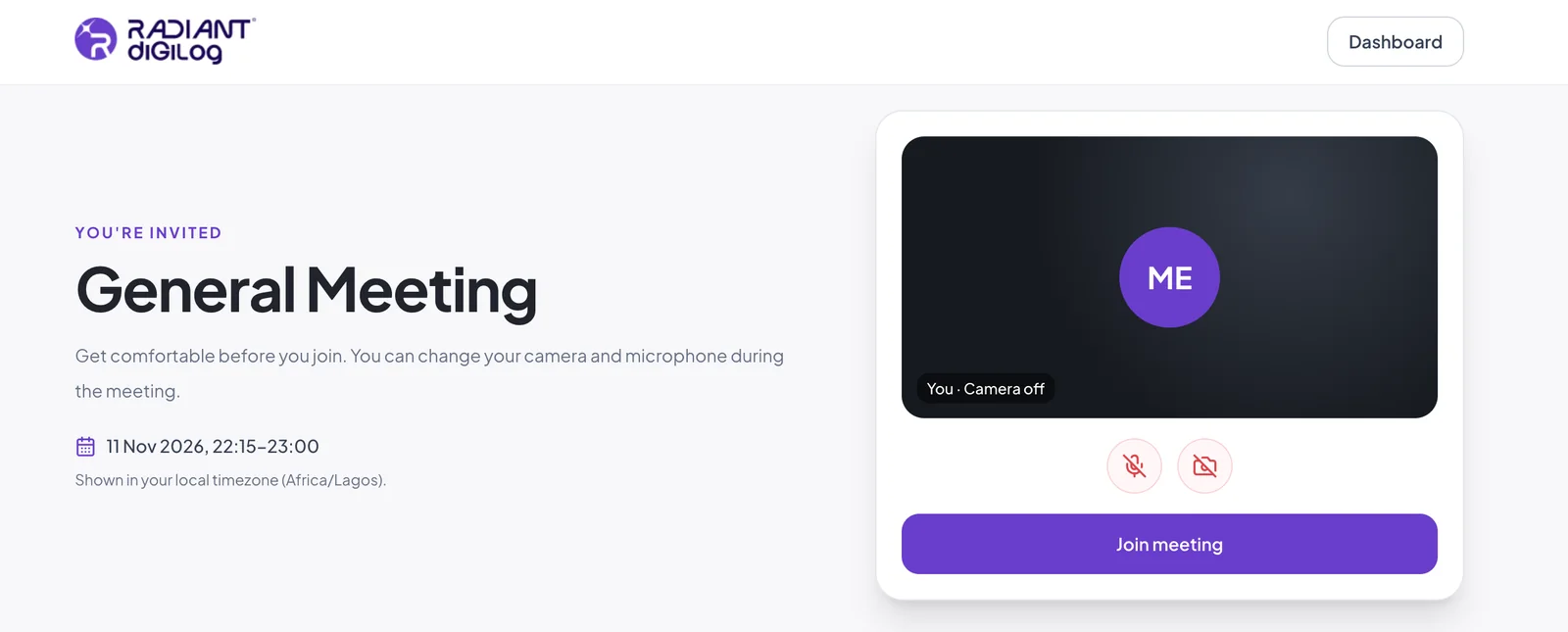
Every guest lands on a clear invitation page that shows the meeting time in their own time zone and lets them check their camera and microphone before they go in.
diGi MEET brings two sets of tools together: Meetings, for planning, running and following up on meetings, and Communication, for everyday calls, chats and company news.
Plan ahead or meet right now, then keep a record of every meeting.
Call, chat and share news with colleagues between meetings.
Share notes and next steps after a meeting, ask a quick question, or start a call straight from the chat when a conversation needs more than a message.
Chats
 Sales teamAmara: Notes from today’s call…2
 Tom BennettCan we move the review to 3pm?
 Lagos branchStock count is done ✓
AmaraNotes and next steps from today’s monthly sales review are in the file below.
Thanks! I’ll follow up with the Kampala client today.
Show documents, dashboards and plans so everyone in the meeting is looking at the same thing, from London to Lagos to Kampala.
From quick check-ins to client presentations, diGi MEET fits the way your teams already work, alongside diGi TEAM and diGi BIZ.
Stand-ups, weekly catch-ups and planning sessions for office, field and remote staff.
Meet customers and partners face to face without leaving your platform.
Share your screen to walk through dashboards, figures and plans together.
Bring new and existing staff together for training, wherever they are.
Connect branches, sites and departments in a single conversation.
Keep leadership aligned with regular face-to-face check-ins.
Want to see diGi MEET in action? Book a demo and our team will walk you through it.
diGi MEET is the Radiant diGiLog virtual meeting platform. It brings video meetings, audio calls, screen sharing and meeting invitations together in one place.
Guests join from an invitation page in their web browser, where they can check their camera and microphone before entering.
Yes. You can share your screen to present documents, dashboards and presentations to everyone in the meeting.
Yes. Guests join from an invitation link in their browser, from any country, and meeting times show in their local time zone.
Yes. Meeting times are shown in each guest’s local time zone.
diGi MEET has two parts. Meetings: instant and scheduled meetings, screen sharing, meeting history, attendance reports, meeting notes, meeting recordings, transcripts, AI-generated summaries, Google and Outlook calendar integration and public meeting booking. Communication: audio calls, video calls, conference calls, direct chat, group chat, Celebrations and News & Events.
Yes. diGi MEET is part of the Radiant diGiLog platform, so you can manage meetings from the same dashboard as your people and business tools.
Video meetings, audio calls and screen sharing, all in one place.